

- 摘要
- Create magazine-quality posts with ease using our Gutenberg plugin for WordPress. Customize styles, typography, and colors effortlessly to build creative portfolios, blogs, and newspaper websites. Try before you buy - log in to demo site using guest/ guest credentials.
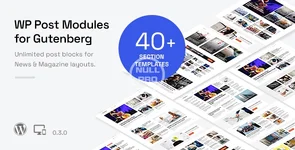
A Gutenberg Block for creating online magazine content, newspaper websites, creative portfolios and blog, effortlessly.
The plugin lets you create WordPress post modules in different styles using the Gutenberg block interface. With multiple display styles, typography and color options, the plugin is envisioned to provide an all-purpose tool for creating newspaper/magazine like post sections.This plugin is also available in Elementor version and WPBakery Page Builder version.
Step 1. Log in to the demo site using the following credentials:
Username: guest
Password: guest
Step 2. Navigate to Posts > Add New
Step 3. Inside content area, click on the plus icon for adding blocks, and choose the WP Post Modules block.
Step 4. From the inspector controls panel on the right side, modify the settings and options for different styles.


