

- XF 兼容性
- 2.3.x
- Short Description
- create stand-alone, fully customizable data tables within XenForo
Data Tables lets administrators create stand-alone, fully customizable data tables within XenForo, no code required. Define your own columns, set up dropdown lookups, and manage structured data right from the AdminCP, with clean public-facing display pages wrapped in your forum's theme.
Perfect for product catalogs, game databases, team rosters, pricing tables, inventory lists, or any structured data that doesn't fit neatly into forum threads.
Perfect for product catalogs, game databases, team rosters, pricing tables, inventory lists, or any structured data that doesn't fit neatly into forum threads.
- Dynamic Table Definitions, Create unlimited tables, each with its own title, URL slug, description, and display order. Toggle tables active/inactive without deleting data.
- 7 Field Types, Build columns using: Text, Number, URL, Date, Lookup (dropdown), Text Area, and Yes/No (boolean). Each field supports sortable and filterable flags.
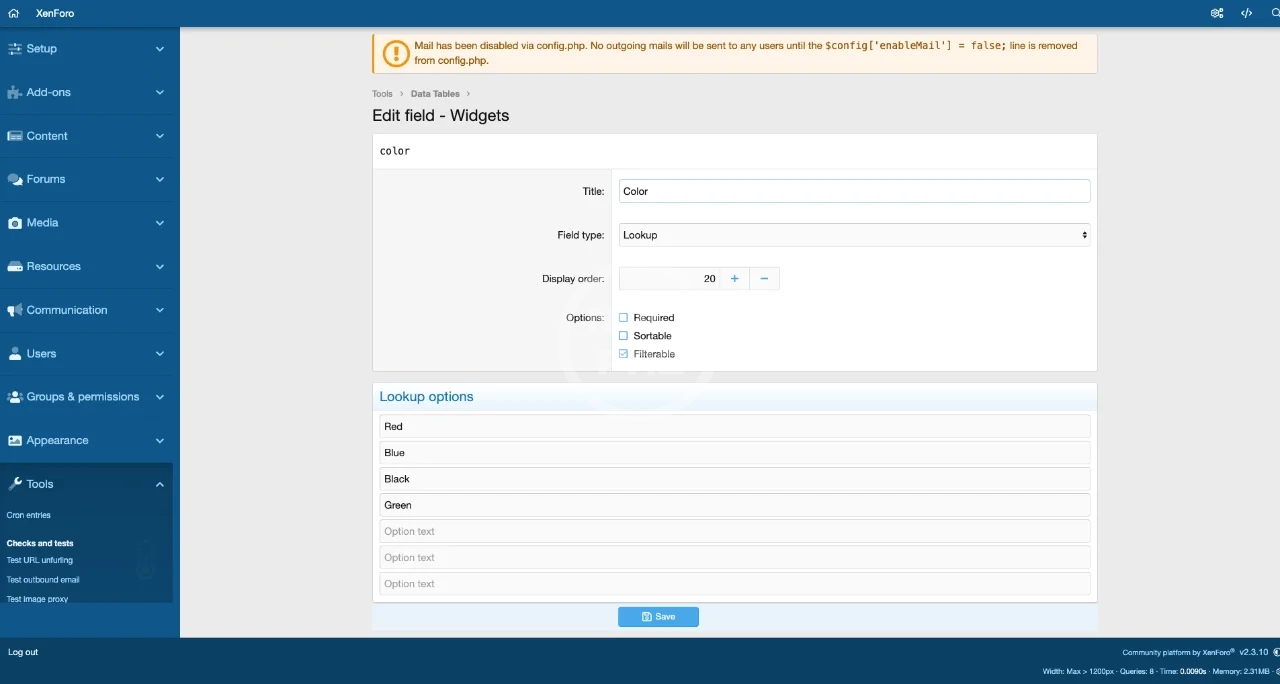
- Lookup Columns (Relational Dropdowns), Define dropdown options for any field. Options are stored relationally (not as flat strings), enabling clean data entry and consistent display.
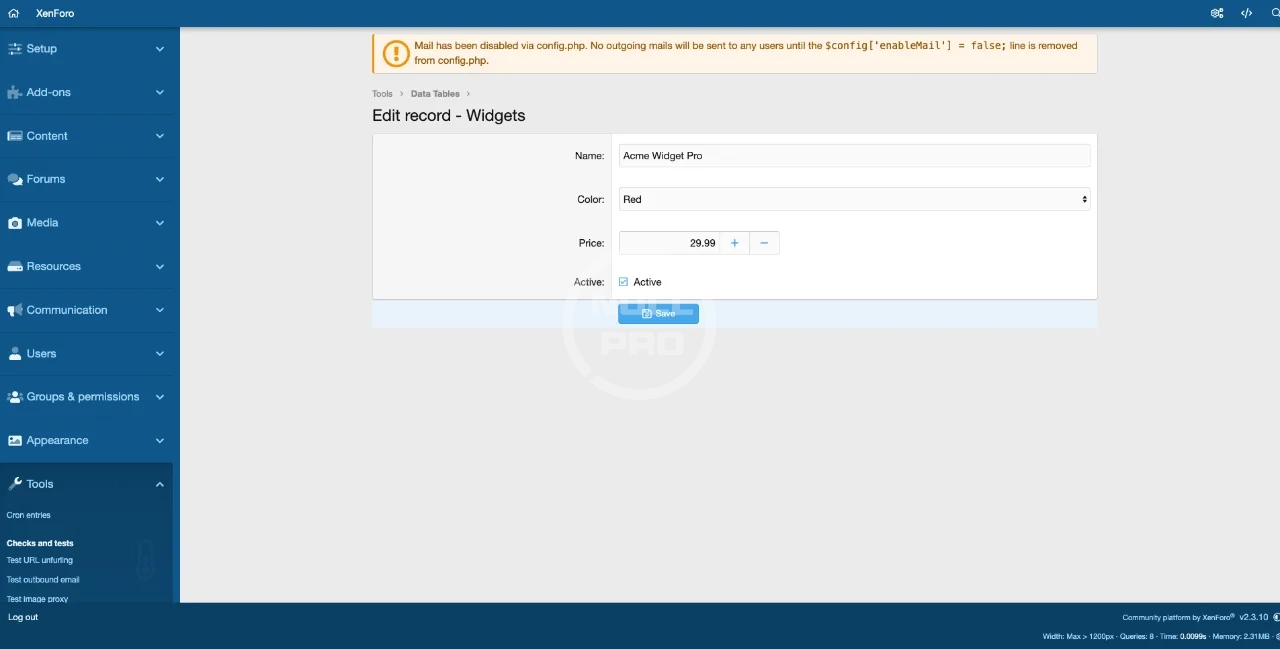
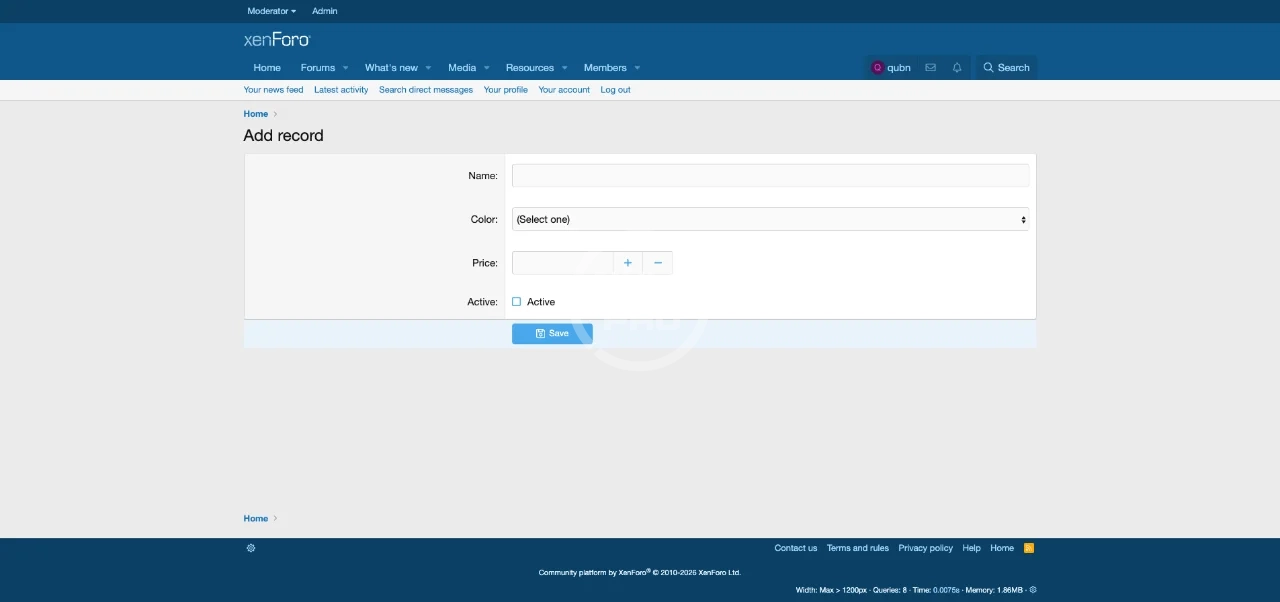
- Admin Record Management, Full CRUD for records within the AdminCP. Dynamic forms automatically adapt to your field definitions, text fields become text inputs, lookups become dropdowns, numbers get spinners, booleans get checkboxes.
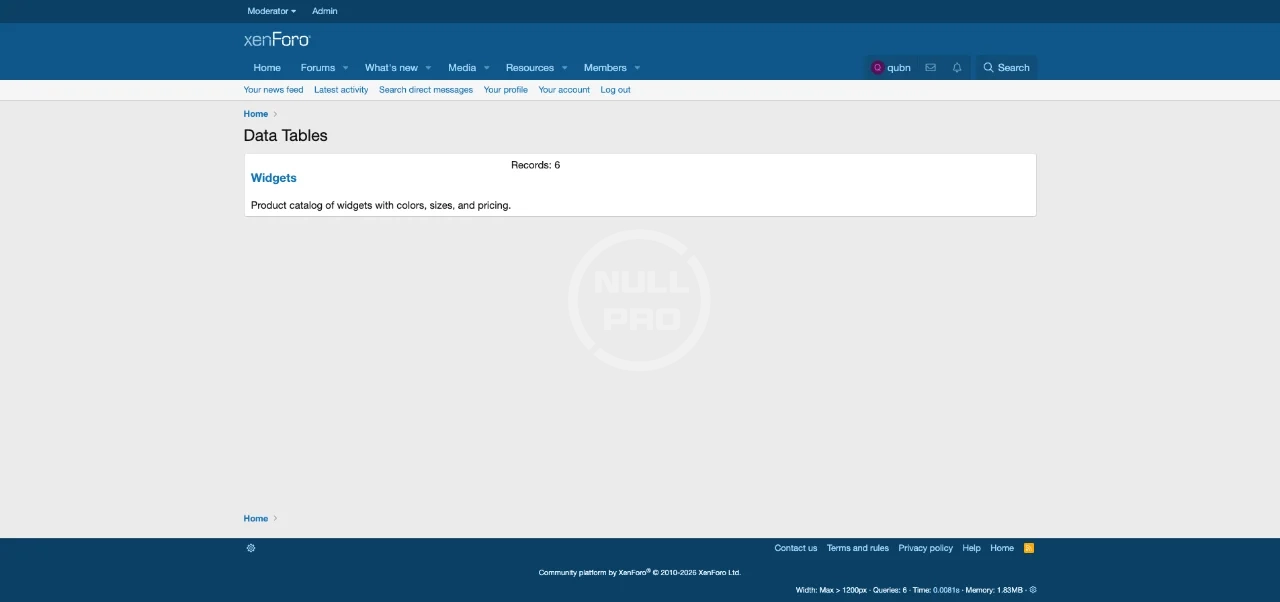
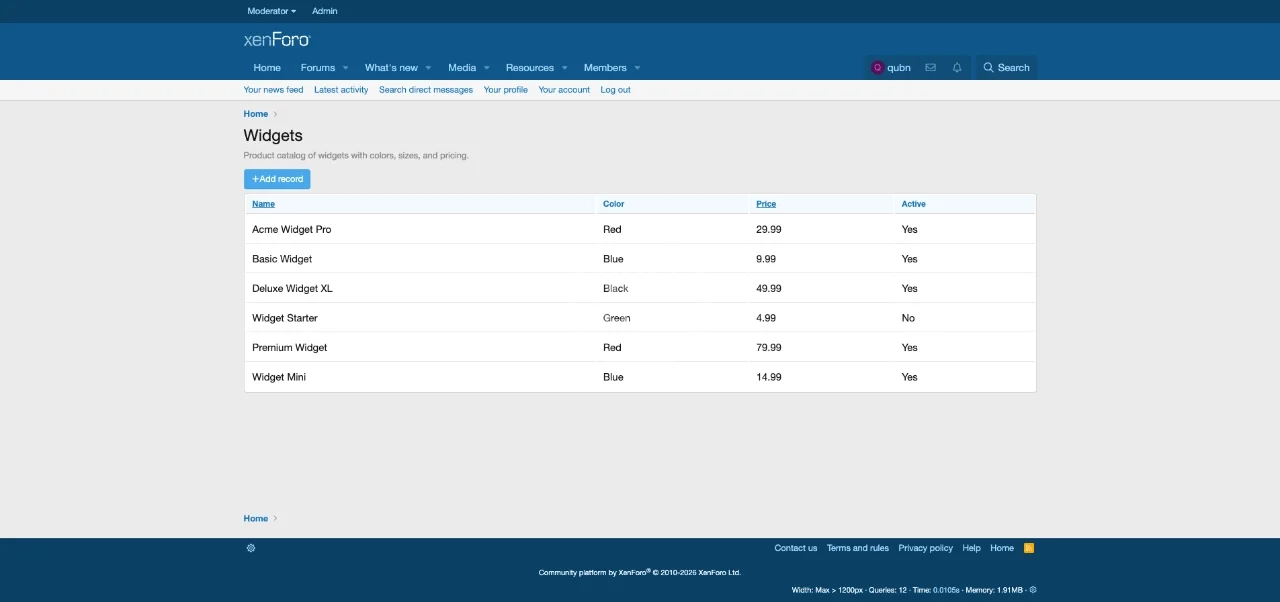
- Public Table Display, Clean, responsive public pages at /data-tables/ showing all active tables, with individual table views at /data-tables/{slug}/. Full theme integration.
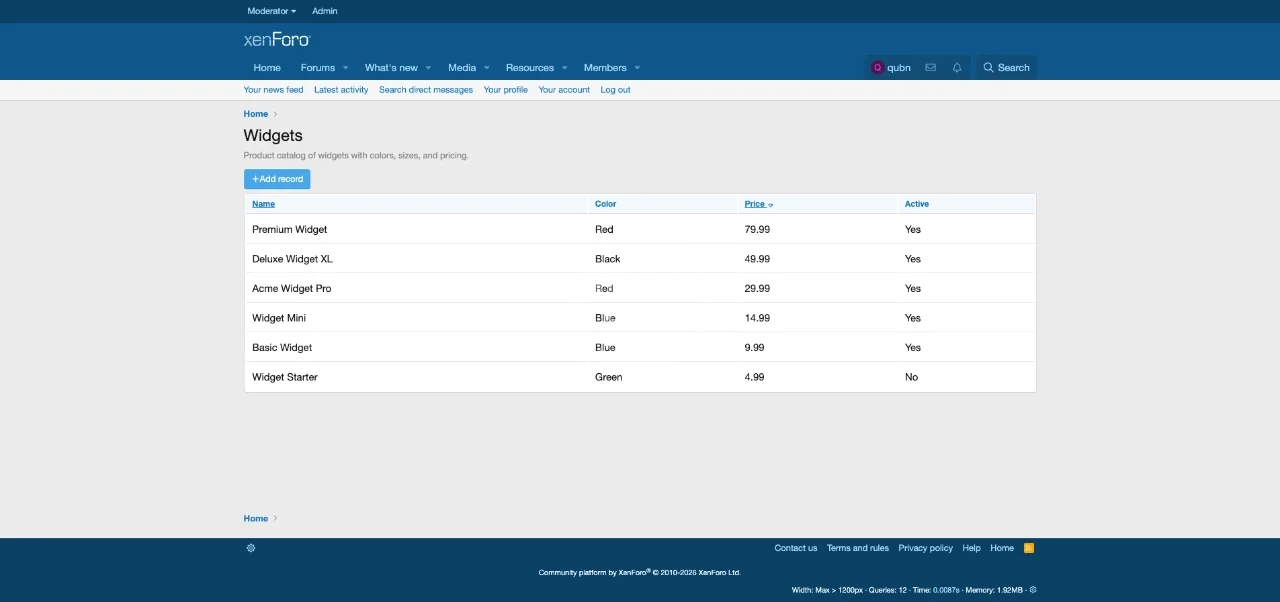
- Column Sorting,Mark fields as "sortable" in the admin, and users can click column headers on the public table view to sort ascending/descending.
- Public Record Submission, Optionally allow members to submit new records from the public side (permission-controlled).
- Permission-Controlled Access, Two permissions out of the box:
- View data tables (default: Allow for all)
- Add records (default: No)
- Pagination, Both admin and public views paginate at 50 records per page.
- Clean Uninstall, All 4 database tables are dropped on uninstall. No leftover data.
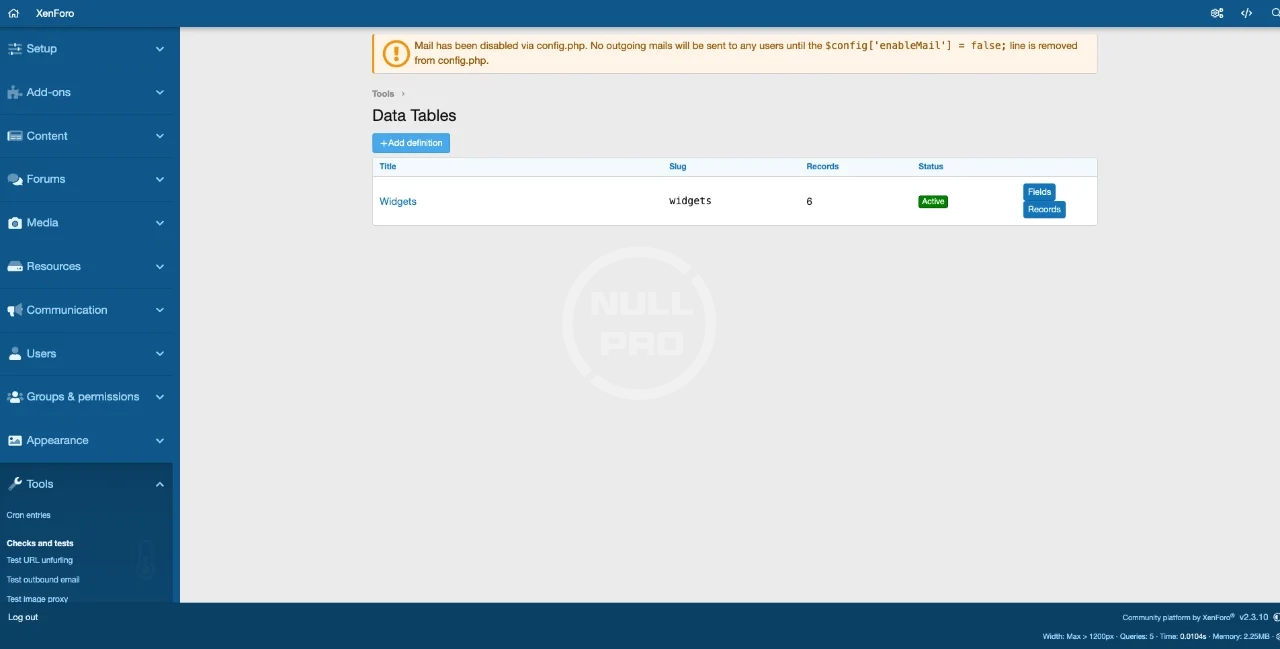
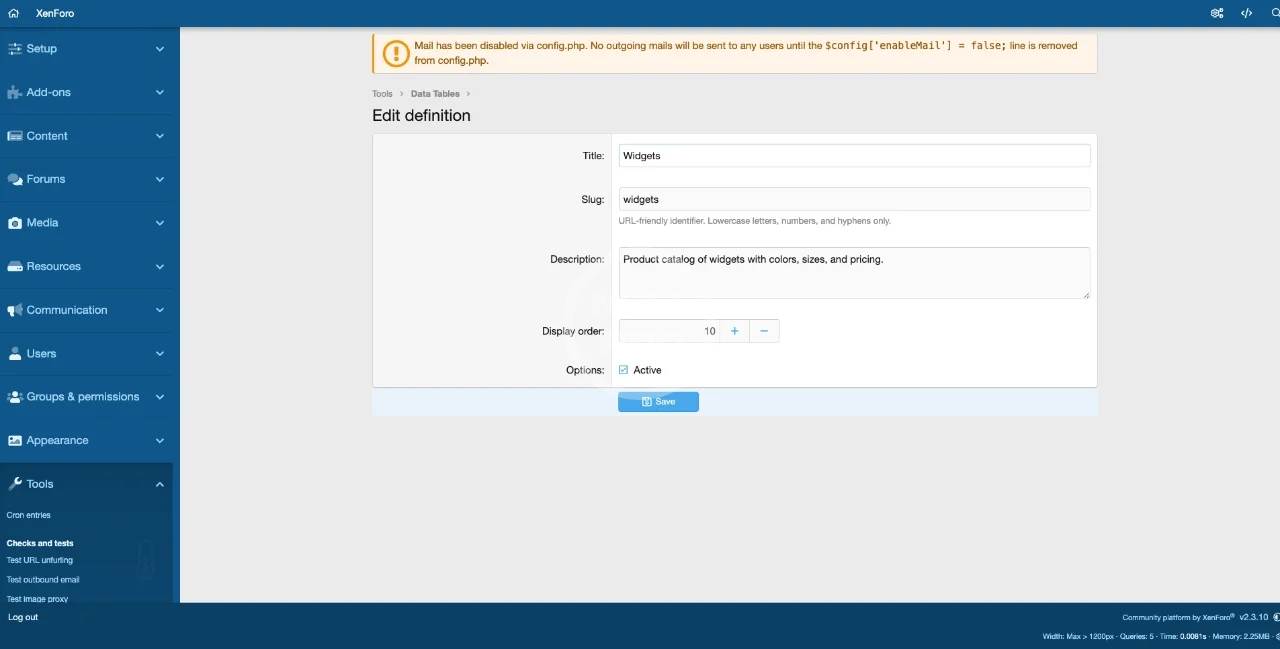
- Create a Definition, Go to AdminCP > Tools > Data Tables > Add Definition. Give it a title (e.g., "Product Catalog") and a URL slug (e.g., "products").
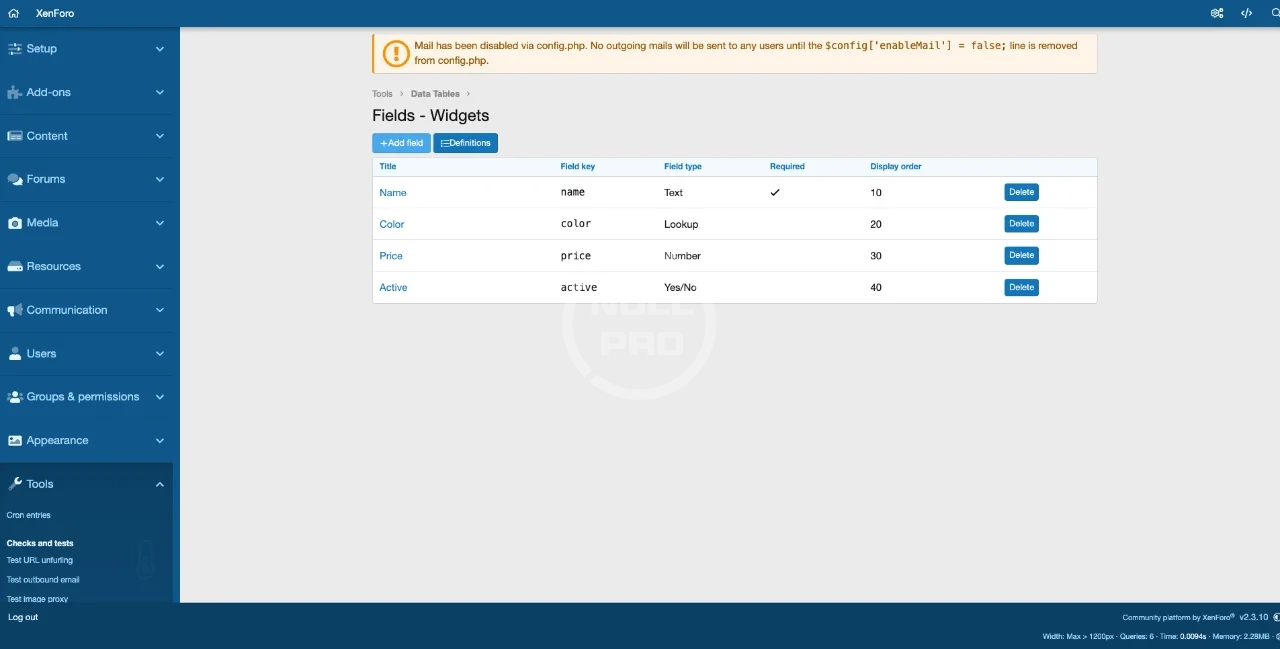
- Add Fields, Click "Fields" to define your columns. For example:
- Name (Text, Required, Sortable)
- Category (Lookup, with options like "Electronics", "Clothing", "Home")
- Price (Number, Sortable)
- In Stock (Yes/No)
- Website (URL)
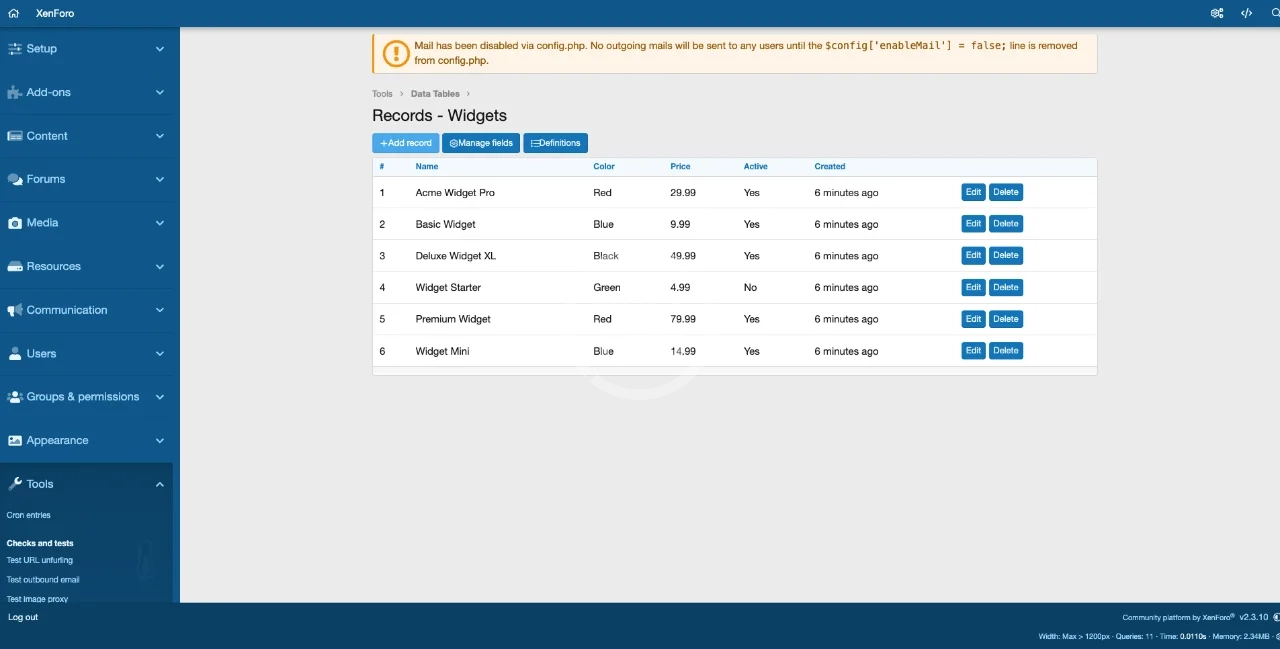
- Add Records, Click "Records" to start entering data. The form automatically generates the right input type for each field.
- View Publicly, Visit /data-tables/products/ to see your table with sortable columns, resolved lookup values, and clean formatting.
- Architecture:Hybrid JSON + normalized lookups across 4 database tables
- xf_qubn_dt_definition, table definitions
- xf_qubn_dt_field, column definitions per table
- xf_qubn_dt_lookup_option, dropdown options for lookup fields
- xf_qubn_dt_record, data rows (JSON blob per record)
- Performance: Lookup values resolved in a single batch query. Composite indexes on frequently-queried columns. Paginated to 50 records per page.
- Compatibility: XenForo 2.3.x. No class extensions, completely self-contained with zero conflicts.
- Code Quality: PHPStan level 3 clean. Follows XenForo conventions throughout. All user input filtered. CSRF protection on all forms.
- Download and extract the ZIP file
- Upload the Qubn/DataTables/ folder to src/addons/
- Go to AdminCP > Add-ons > Install from archive (or Install/upgrade)
- Navigate to AdminCP > Tools > Data Tables to start creating tables
-
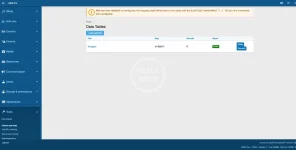 01-admin-definition-list.webp
 -
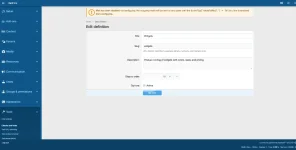 02-admin-definition-edit.webp
 -
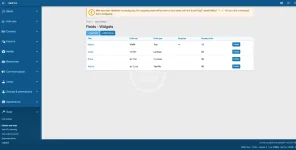 03-admin-field-list.webp
 -
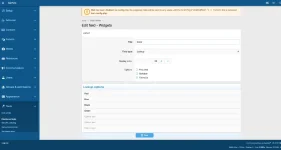 04-admin-field-edit-lookup.webp
 -
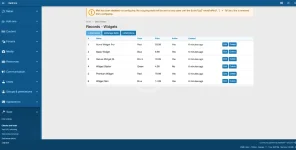 05-admin-record-list.webp
 -
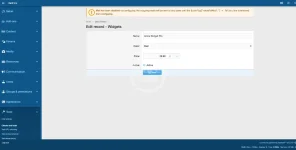 06-admin-record-edit.webp
 -
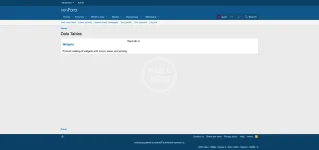 07-public-table-list.webp
 -
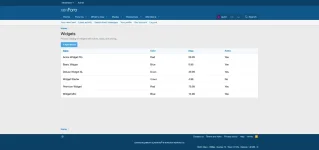 08-public-table-view.webp
 -
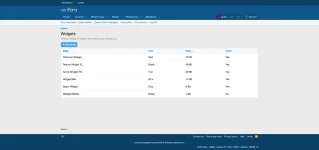 09-public-table-sorted.webp
 -
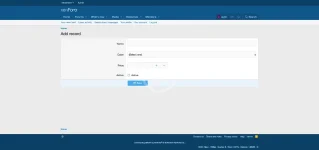 10-public-add-record.webp


![[OGRU] DataTables BB Code converter](/data/resource_icons/2/2430.jpg?1720149251)
![[AndyB] Data check](/data/resource_icons/10/10486.jpg?1720149290)
![[AndyB] Data orphaned](/data/resource_icons/26/26966.jpg?1767256377)