

- XF 兼容性
- 2.3.x
- 摘要
- Accept cryptocurrency payments directly on your XenForo forum with enterprise-grade BitGo security. Direct integration ensures users stay on your site throughout the checkout process. Features include multi-coin support (BTC, LTC, BCH, ZEC, XLM, DASH, BTG), automatic webhooks for instant confirmation updates, and testnet readiness. Easy installation via admin control panel; configure in minutes.
Accept cryptocurrency payments directly on your forum using the enterprise-grade securities of BitGo. This add-on provides a white-label experience, keeping your users on your site throughout the entire checkout process.
Features
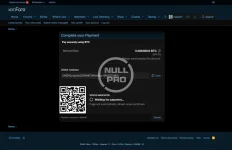
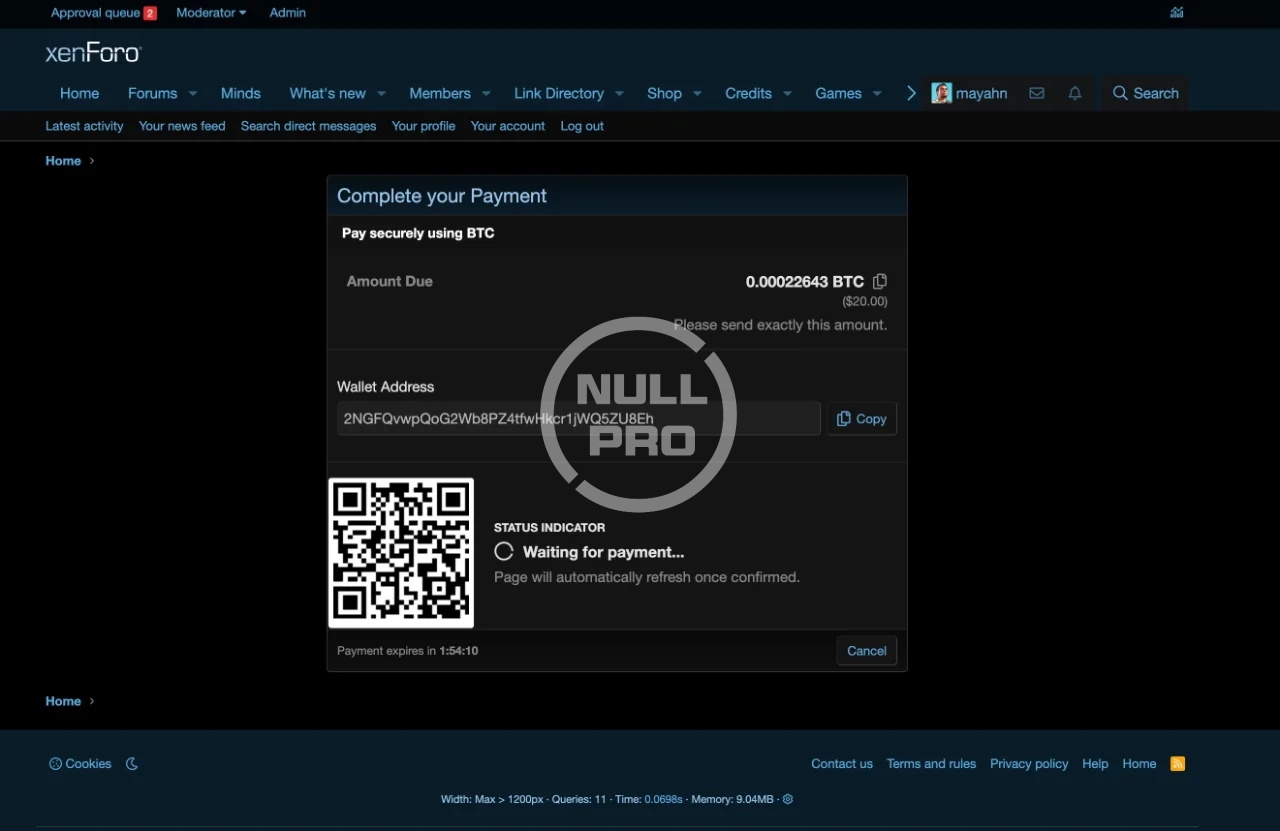
Direct Integration: Users are never redirected to a third-party gateway page. The payment address and QR code are generated directly on your site.
Enterprise Security: Built on the BitGo SDK, ensuring industry-standard security for wallet interactions.
Multi-Coin Support: Ready to accept Bitcoin (BTC), Litecoin (LTC), Bitcoin Cash (BCH), ZCash (ZEC), Stellar (XLM), Dash (DASH), and Bitcoin Gold (BTG).
Testnet Ready: Fully supports Testnet Mode for safe testing and development before going live.
Automatic Webhooks: One-click configuration to sync webhooks, ensuring your forum reacts instantly to confirmations.
Real-Time Status: Users see live updates (Pending -> Confirming -> Received) without refreshing the page.
Installation
Unzip the download package.
Upload the contents of the upload directory to your XenForo root installation.
Go to your Admin Control Panel -> Add-ons.
Click Install next to "BitGo Payment".
Configuration
After installation, you need to configure the provider in your Admin Control Panel:
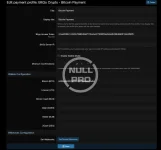
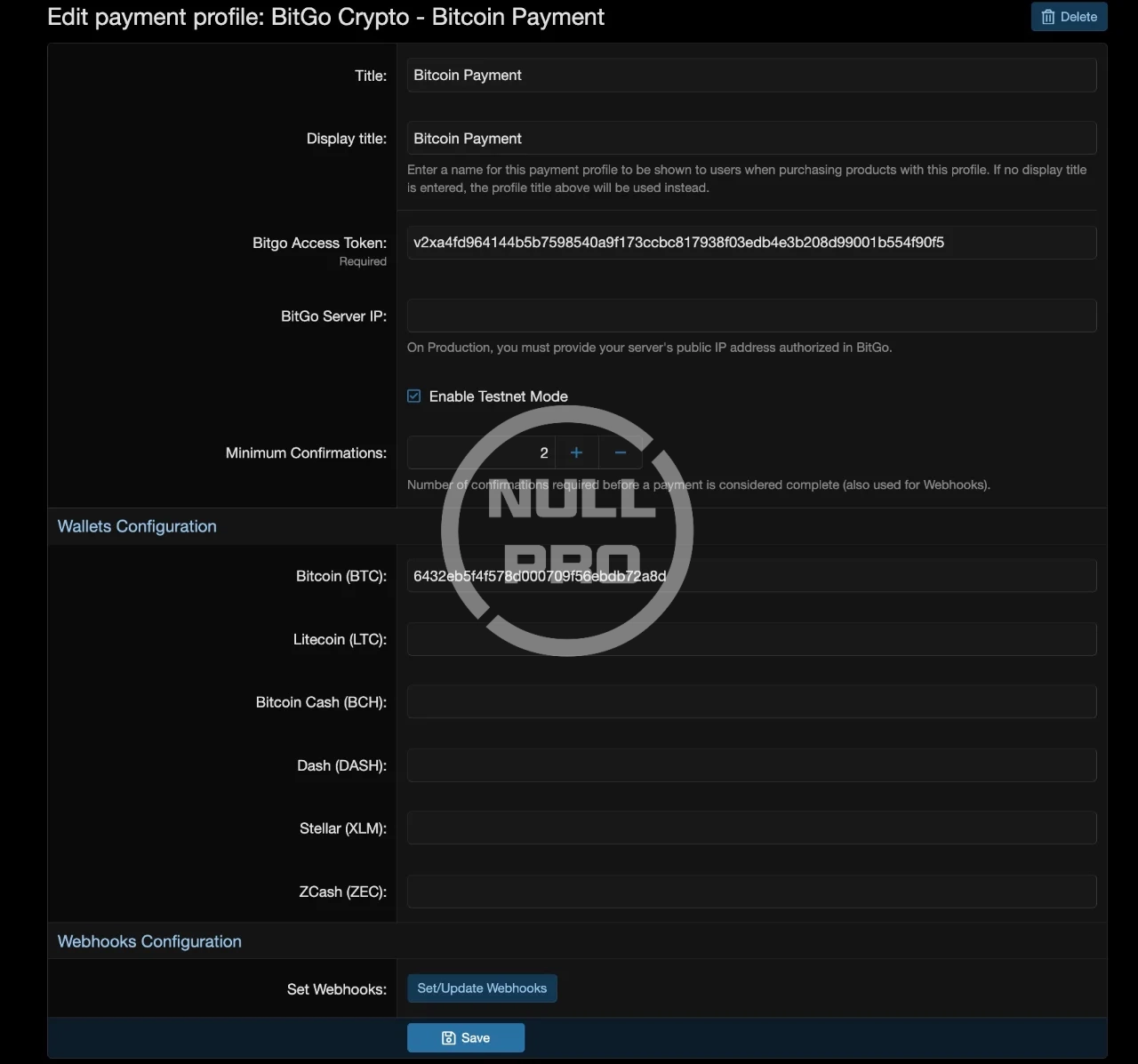
Go to Setup > Payment profiles and click Add payment profile.
Select BitGo Payment from the provider list.
Enter your BitGo Access Token (obtained from your BitGo Developer Dashboard).
Enter the Wallet ID for each cryptocurrency you wish to accept. Leave fields blank for coins you don't use.
Save the profile.
Setting Up Webhooks (Important)
To ensure payments are marked as completed automatically:
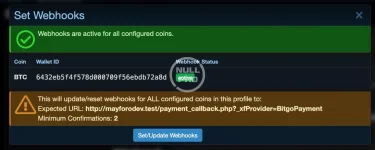
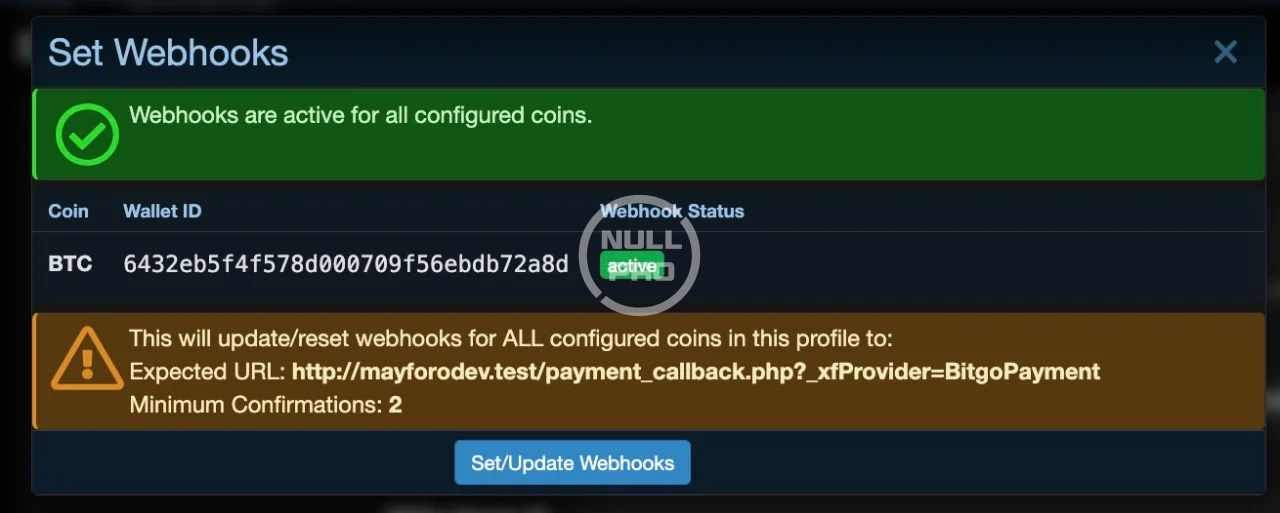
After saving the profile, look for the Webhooks Configuration section on the settings page.
Click the Set/Update Webhooks button.
Ideally, you will see a green "Active" status for all configured coins. This means BitGo will notify your forum immediately when funds are received.
Roadmap & Feedback
We are definitely planning to give it a better UI in future updates. Any ideas, feedback, or feature suggestions are welcome and highly appreciated!
Features
Direct Integration: Users are never redirected to a third-party gateway page. The payment address and QR code are generated directly on your site.
Enterprise Security: Built on the BitGo SDK, ensuring industry-standard security for wallet interactions.
Multi-Coin Support: Ready to accept Bitcoin (BTC), Litecoin (LTC), Bitcoin Cash (BCH), ZCash (ZEC), Stellar (XLM), Dash (DASH), and Bitcoin Gold (BTG).
Testnet Ready: Fully supports Testnet Mode for safe testing and development before going live.
Automatic Webhooks: One-click configuration to sync webhooks, ensuring your forum reacts instantly to confirmations.
Real-Time Status: Users see live updates (Pending -> Confirming -> Received) without refreshing the page.
Installation
Unzip the download package.
Upload the contents of the upload directory to your XenForo root installation.
Go to your Admin Control Panel -> Add-ons.
Click Install next to "BitGo Payment".
Configuration
After installation, you need to configure the provider in your Admin Control Panel:
Go to Setup > Payment profiles and click Add payment profile.
Select BitGo Payment from the provider list.
Enter your BitGo Access Token (obtained from your BitGo Developer Dashboard).
Enter the Wallet ID for each cryptocurrency you wish to accept. Leave fields blank for coins you don't use.
Save the profile.
Setting Up Webhooks (Important)
To ensure payments are marked as completed automatically:
After saving the profile, look for the Webhooks Configuration section on the settings page.
Click the Set/Update Webhooks button.
Ideally, you will see a green "Active" status for all configured coins. This means BitGo will notify your forum immediately when funds are received.
Roadmap & Feedback
We are definitely planning to give it a better UI in future updates. Any ideas, feedback, or feature suggestions are welcome and highly appreciated!
-
 Screenshot 2025-12-31 at 00.43.26.webp
 -
 Screenshot 2025-12-31 at 00.43.35.webp
 -
 Screenshot 2025-12-31 at 16.01.44.webp
![[Ap Yazılım] Scroll Buttons](/data/resource_icons/27/27701.jpg?1777685967)


![[AndyB] Payments](/data/resource_icons/1/1625.jpg?1722920799)
![[021] Payment provider tax](/data/resource_icons/11/11946.jpg?1720149296)
![Crypoverse - Cryptocurrency Payment Gateway [BTC, LTC, ETH]](/data/resource_icons/26/26205.jpg?1759508318)